
What Makes a CRM User-Friendly for Healthcare Staff
In today’s fast-evolving medical landscape, healthcare organizations depend heavily on digital systems to manage patient engagement, scheduling, reminders, and communication.

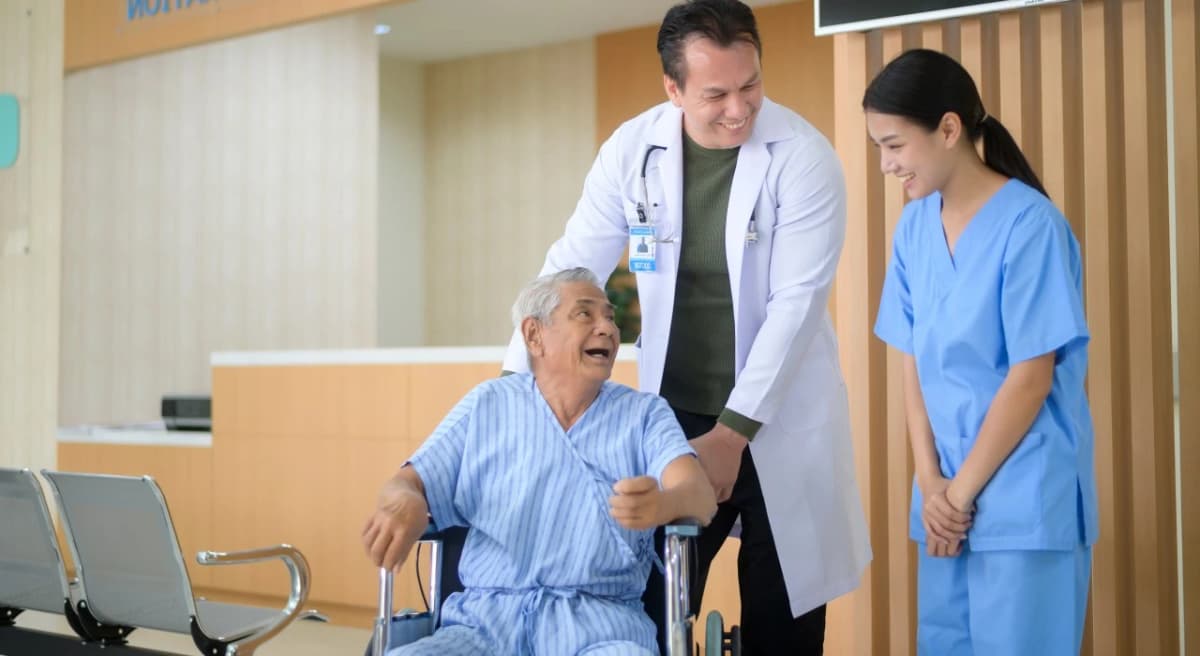
In today’s fast-evolving medical landscape, healthcare organizations depend heavily on digital systems to manage patient engagement, scheduling, reminders, and communication. Among all these tools, a Healthcare Customer Relationship Management system (Healthcare CRM) has become essential. But not all CRM platforms are created equal—especially when it comes to daily usability. Understanding what makes a CRM user-friendly for healthcare staff is the key to improving workflow efficiency, reducing administrative burden, and delivering a better patient experience.
Healthcare staff work under tight schedules, deal with high patient volumes, and must ensure accuracy in every task they perform. If a CRM system feels complicated, time-consuming, or difficult to navigate, it can slow down operations dramatically. On the other hand, a user-friendly CRM can transform how teams coordinate, communicate, and manage patient relationships. Let’s explore the essential features that make a CRM easy and effective for healthcare staff to use every day.
1. Simple and Intuitive Interface
A user-friendly CRM begins with a clean, intuitive interface. When staff log in, they should instantly understand where to find key features such as:
- Appointment scheduling
- Patient records
- Communication tools
- Follow-up reminders
- Lead management dashboards
A cluttered dashboard overwhelms staff, especially during busy hours. A well-designed CRM keeps things simple, highlights key tasks, and minimizes the number of clicks needed to perform routine actions. This is one of the most important aspects of what makes a CRM user-friendly for healthcare staff.
2. Minimal Training Required
Healthcare staff often juggle administrative duties alongside patient care. They don’t have time for long training sessions or complicated onboarding. A user-friendly CRM should be so simple that most actions feel intuitive.
This means:
- Clear navigation menus
- Visual icons and labels
- Tooltips and guided walkthroughs
- Easy-to-understand workflows
When a CRM requires minimal training, staff adoption becomes significantly higher.
3. Fast and Efficient Task Management
Speed is everything in a clinical environment. A user-friendly CRM should help staff:
- Book appointments quickly
- Send reminders in seconds
- Respond to inquiries instantly
- Record patient interactions with one click
If the CRM slows down routine tasks, staff will avoid using it. Fast loading, smooth transitions, and quick response times are all critical for usability.
4. Mobile Accessibility
Healthcare staff often need to work on the go—whether checking patient updates, responding to inquiries, or coordinating shift schedules. A user-friendly CRM must offer:
- A mobile-friendly interface
- An app or responsive design
- Quick access to essential features
Mobile accessibility is a major factor in what makes a CRM user-friendly for healthcare staff, as it keeps them productive even outside their desks.
5. Seamless Integration with EMR/EHR Systems
Healthcare staff use several systems every day. A CRM becomes user-friendly only when it integrates seamlessly with tools such as:
- EMR/EHR systems
- Telehealth platforms
- Billing software
- WhatsApp and SMS gateways
- Email automation tools
When systems work together, staff do not have to switch between multiple tabs or enter the same data twice. This reduces errors and saves significant time.
6. Automated Workflows for Repetitive Tasks
Automation is essential for reducing administrative workload. A user-friendly CRM should handle repetitive tasks such as:
- Appointment reminders
- Follow-up messages
- Patient onboarding sequences
- Feedback collection
- Lead nurturing
Automation not only improves operational efficiency but also allows staff to focus on more patient-centric tasks.
7. Customizable Dashboards and Workflows
Every healthcare organization operates differently. A user-friendly CRM should give staff the flexibility to tailor:
- Dashboards
- Patient segments
- Categories
- Appointment workflows
- Communication templates
Customizability ensures the system adapts to the organization’s needs—not the other way around.
8. Clear Patient Communication Tools
Communication is a core part of healthcare operations. A user-friendly CRM must make communication seamless by supporting:
- SMS
- Voice calls
- Automated reminders
Staff should be able to communicate with patients without switching platforms. All conversations should be logged automatically for future reference.
9. Easy Reporting and Insights
Healthcare teams need quick insights into performance metrics such as:
- Appointment completion rates
- Patient satisfaction
- Lead conversion
- Follow-up efficiency
A CRM that provides simple, visually rich reports helps staff make data-driven decisions without needing technical expertise. This plays a huge role in what makes a CRM user-friendly for healthcare staff.
10. Strong Security Without Complexity
While the system must be secure and compliant with healthcare regulations, security should not make everyday tasks complicated. A user-friendly CRM balances both by offering:
- Secure login
- Role-based access
- Encrypted data storage
- Simple authentication options
Healthcare staff should feel safe using the system without facing unnecessary restrictions.
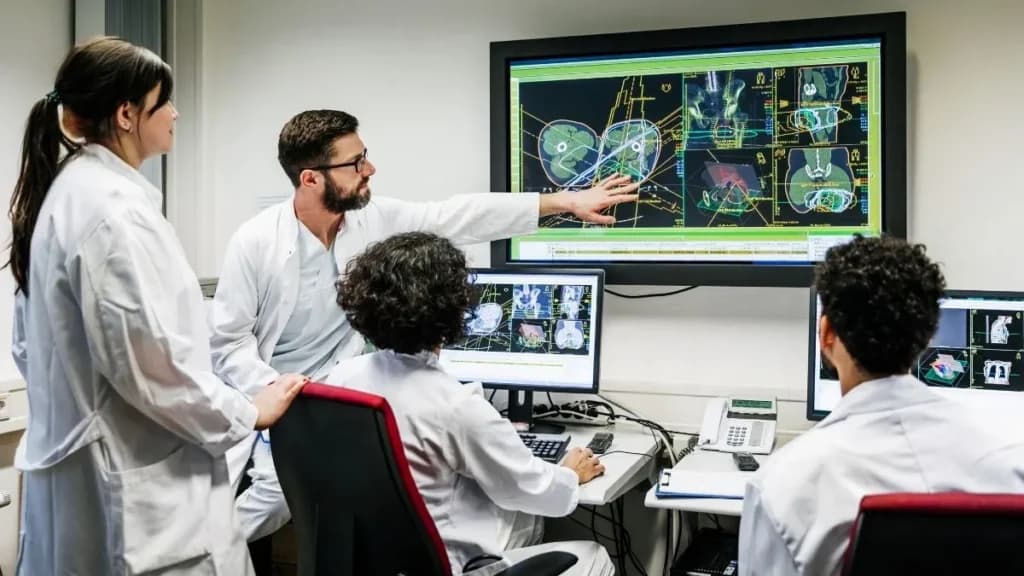
Conclusion
Understanding what makes a CRM user-friendly for healthcare staff is essential for choosing the right technology for your organization. A user-friendly CRM should be easy to navigate, quick to learn, fast to use, mobile-friendly, and fully integrated with existing healthcare tools. It must automate repetitive tasks, support seamless communication, and deliver accurate insights—without overwhelming staff.
When healthcare teams enjoy using their CRM, patient care becomes smoother, operational efficiency improves, and productivity reaches new heights.
The Doctorna editorial desk writes about healthcare operations, patient experience and the systems clinics use to connect them.